Blog
Play SuperTuxKart on Ubuntu: The Open-Source Mario Kart!
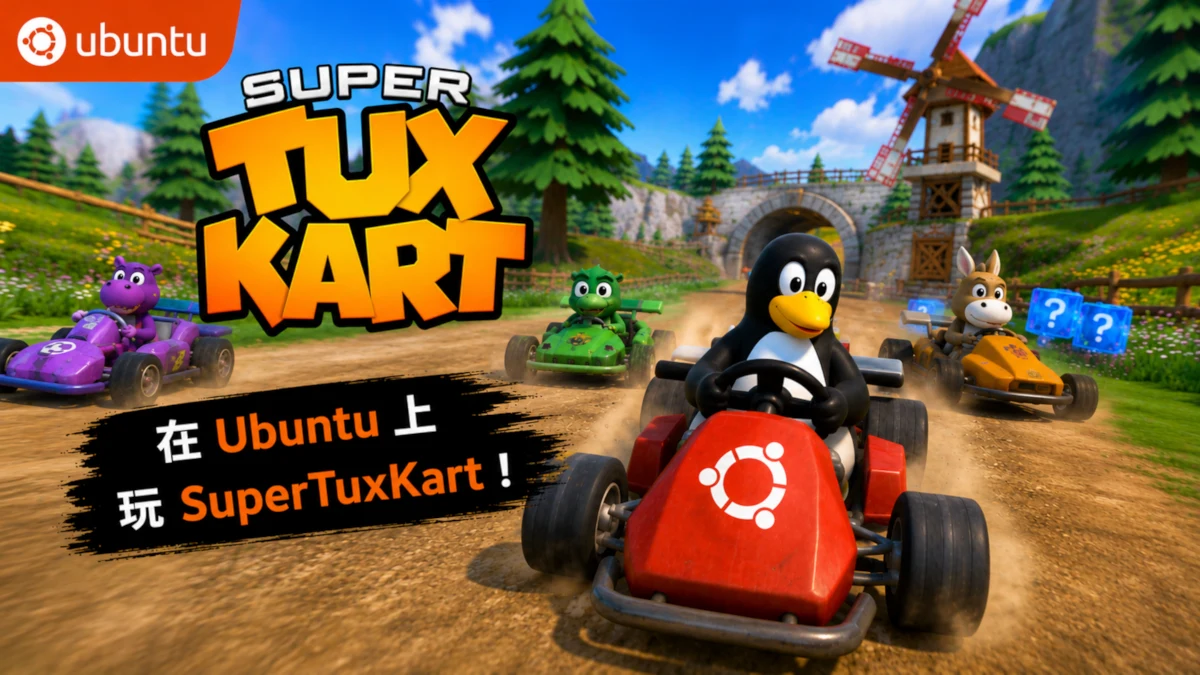
Enjoy SuperTuxKart on Ubuntu: The Open-Source Mario Kart!
If you're looking for a fun, free, and visually stunning racing game on Ubuntu, SuperTuxKart is undoubtedly the top choice! Hailed as the "Mario Kart" of the open-source world, we'll share a detailed guide today on how to install and enjoy this game on Ubuntu.
I. What is SuperTuxKart?
SuperTuxKart is a completely free and open-source 3D kart racing game featuring Tux (the penguin), the mascot of Linux, as its protagonist.
Game Features:
- A wide variety of tracks (including snowy mountains, beaches, castles, and more)
- 20+ adorable characters (Tux, Gnu, Nolok, etc.)
- Multiple game modes (Time Trial, Single Race, Grand Prix)
- Supports both local multiplayer and online multiplayer
- Charming visual style with a realistic physics engine
- Completely free—absolutely no in-app purchases
II. Installing SuperTuxKart on Ubuntu
Method 1: Recommended (Via the Official PPA — Most Stable)
# Add the official PPA
sudo add-apt-repository ppa:supertuxkart/ppa
sudo apt update

# Install the game
sudo apt install supertuxkart
Method 2: Via Flatpak (Latest Version)
flatpak install flathub net.supertuxkart.SuperTuxKart
Method 3: Via Snap
sudo snap install supertuxkart
Once the installation is complete, simply search for SuperTuxKart in your application menu to launch the game. #### III. Performance Optimization Tips
- Enable V-Sync (to reduce screen tearing)
- Resolution: Recommended settings are 1920x1080 or 2560x1440
Graphics Settings:
Anti-aliasing: Enable 4x or 8x
- Particle Effects: High
Shadows: Medium or High
If you have an NVIDIA graphics card, it is recommended to install the proprietary drivers for better performance.
IV. Recommended Game Modes
- Beginners: Start with Story Mode to familiarize yourself with the controls.
- Intermediate: Challenge the Grand Prix.
- Multiplayer Parties: Local split-screen mode (supports up to 4 players).
- Online Play: Supports online races (via global servers).
V. Why Play SuperTuxKart on Ubuntu?
- Completely open-source, aligning with the spirit of Ubuntu.
- Native support for Linux, offering excellent performance.
- Active community with continuous updates.
- Suitable for all ages—kids will have a blast playing it too!
- An excellent choice for getting started with Linux gaming.
Summary
SuperTuxKart is currently one of the most enjoyable open-source racing games available on Ubuntu. Whether you're looking to relax and have some fun, or simply want to demonstrate that Linux can handle top-notch games, it is an excellent choice.
Go ahead and install it—give it a try! Once you're done playing, feel free to share your best scores and favorite characters in the comments section below!
- History of open source software development 40
- Play SuperTuxKart on Ubuntu: The Open-Source Mario Kart! 22
- 🚀 Ubuntu 26.04 LTS Officially Released! Is It Worth Upgrading from 24.04? 13
- Ventoy: A Revolutionary Tool That Transforms USB Booting (Latest 2026 Version) 11
- A Complete Guide to Installing Ubuntu 26.04 Server in VirtualBox 10